
Android Gemini Update: Five-Chat Limit and Unified Settings
Google pushes a server-side change to Android that caps the visible chat list and merges all configuration options into a single menu.
By Natalia Costa ·
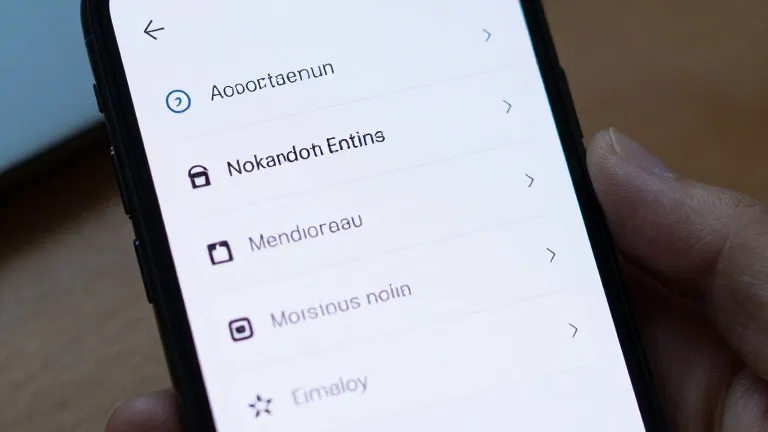
Google is limiting the visible chat history in the Android version of its Gemini app to five items. The change forces users to tap a new "More" button to access older conversations, a move designed to reduce clutter in the navigation drawer while keeping recent activity accessible. This restriction arrives alongside a complete consolidation of the app's settings, which are now housed on a single page rather than scattered across multiple menus.
The update began rolling out this week through a server-side delivery method. This approach means the changes are appearing for users without requiring a manual download from the Google Play Store. The rollout follows a previous modification that renamed the "Spark" feature to "Task," indicating a continued period of structural adjustments to the interface.
The redesign alters the layout of the side panel. The search function has moved to the top-right corner of the screen. The "New chat" option remains the first entry in the list, followed immediately by the "Library" section. Previously, the Library was located near the bottom of the drawer. For subscribers to the AI Ultra tier, the expanded list includes Images, Scheduled, Daily brief, Customize, Students, Videos, and Gems.
The settings overhaul merges preferences that were previously split between the account menu and a separate Gemini Settings area. The new unified page opens with Manage account and Usage limits. A Preferences section follows, listing Notifications, Personal Intelligence, Avatar, Task settings, Theme, Skills, Voice, Media, Device controls, Cart and orders, and Gemini Notebook. Theme is the only entry marked as new in this section.
Two additional sections complete the new settings page. Data & privacy contains options for Import memory, Contact info from your devices, Gemini Apps Activity, Your public links, and the Privacy Help Hub. The Get support section lists Help, Report a problem, About, and Updates. The account menu now serves a narrower role, limited to switching accounts, leaving feedback, or getting help.
The same interface changes reached iOS, macOS, and web users last week, coinciding with the launch of Gemini 4 Argon. Android users are now receiving the update more broadly. Recent developments in the Gemini ecosystem also include the availability of Gemini Notebook as a Connected App, a shift for free users to "Auto" models with added thinking levels, and the introduction of a new "Map" tool that replaces the "/" shortcut with an "@" symbol.